
Why a Transcript is Needed First
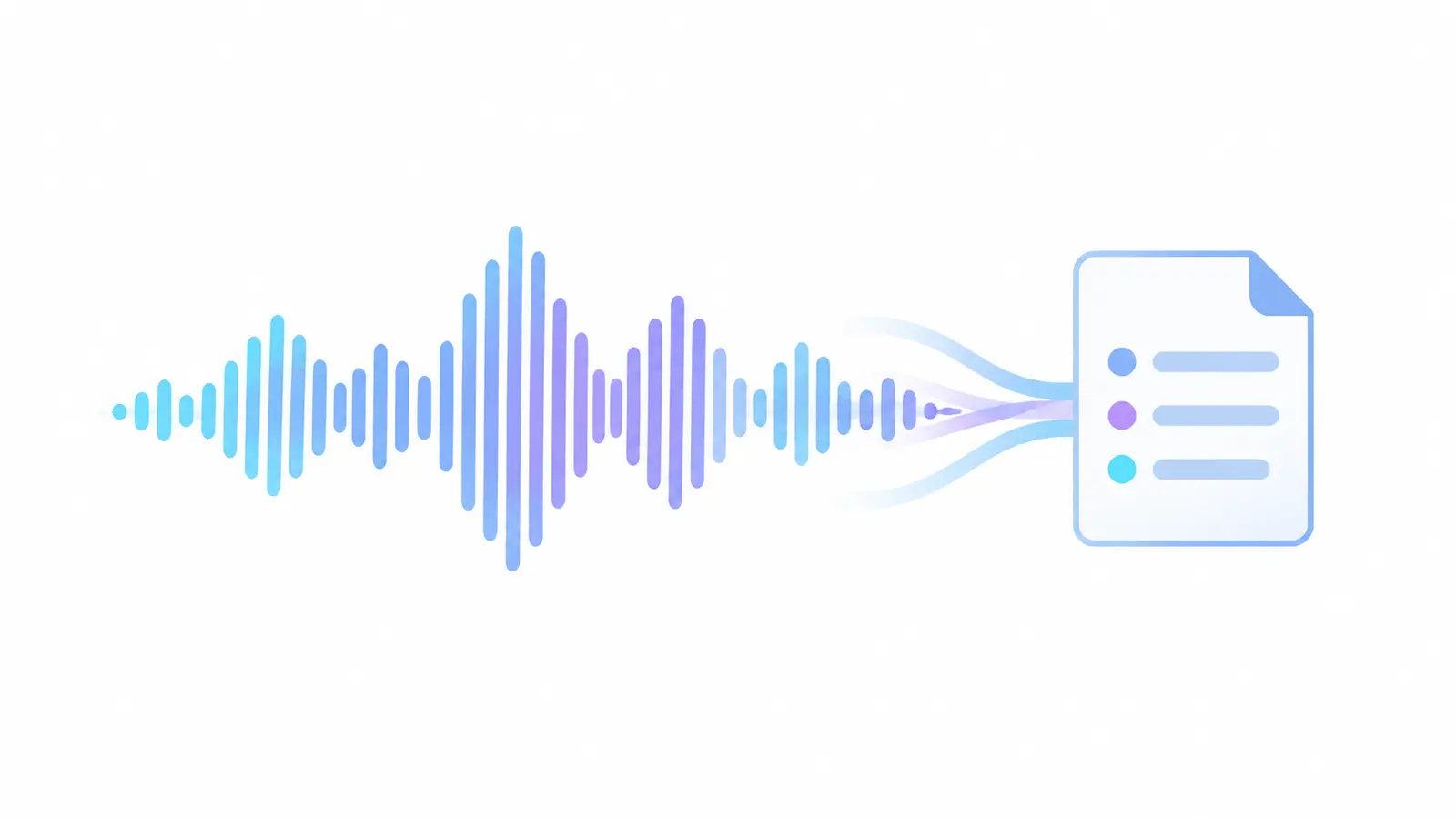
The neural network analyzes the meaning of already recognized text. If a name is mixed up or a negation is lost, the error can carry over into the final summary. Therefore, a summary is not an independent verification of the original.
For complex audio, first assess the quality of the full text. If a critical segment is poorly recognized, clarify it manually before using the conclusions.
Which Type of Summary to Choose
Overview is suitable for getting acquainted with the flow of conversation, theses for a list of key ideas, and summary for the most compact conclusion. In a lecture, it's convenient to combine an overview with terms, in a meeting — theses with verified decisions, in an interview — an overview with quotes from the transcript.
The names of the sections may vary, so evaluate the content, not the label.
Step-by-Step Process
After uploading, wait for processing and first review the topic and overview. Then, check the summaries: is there something among them that you processed the recording for? Finally, return to the timestamped segments with facts that form the conclusion.
Download the full text if you plan to publish, report, or share the material with someone else. This way, the summary will have a verifiable source.
- Audio or VideoUpload the completed recording.
- TranscriptReceive the full text with timestamps.
- Overview and SummariesRead the overview, select key thoughts and summaries.
- Verified ConclusionCheck facts and decisions. Format the document for the task.
Common Mistakes with Summaries
Do not attribute a summary's wording to a participant as a direct quote. Also, avoid sending clients automatically compiled commitments without checking deadlines and context. Brevity makes the text convenient but hides details.
If the recording contains several conflicting opinions, the conclusion should maintain this distinction rather than create a false generalization.
How to Turn a Summary into a Useful Document
For meetings, add responsible parties and deadlines; for lectures, include definitions and review questions; for interviews, confirmed quotes; for webinars, links and materials.
Practical Checklist
- Check the quality of the full transcript.
- Select the summary format for the task.
- Verify facts, decisions, and figures.
- Do not present a paraphrase as a quote.
- Keep the full text alongside the conclusion.
How to Complete a Task in Transkribator
Open Transkribator, upload the ready audio or video, or use a supported public link available for processing.
After processing, review the full text, timestamps, and available AI summary, check critical segments, and download the TXT. The set of features depends on the plan. For an initial assessment, 10 free minutes are available after registration.
Key Points
- Summaries are created based on recognized text.
- The summary serves as navigation, not proof.
- The format of the summary is chosen based on the task.
- The final document requires human verification.
Frequently Asked Questions
Can you create a summary without the full text?
Technically, the interface can display it immediately, but reliable verification requires access to the transcript and recording.
What's best for a lecture?
A brief overview for context, theses for structure, and the full text for terms and examples.
Can I send the summary to a client?
Only after verifying names, promises, deadlines, and important caveats.
Why are there no details in the summary?
Any summary reduces information. For details, refer back to the full text.