
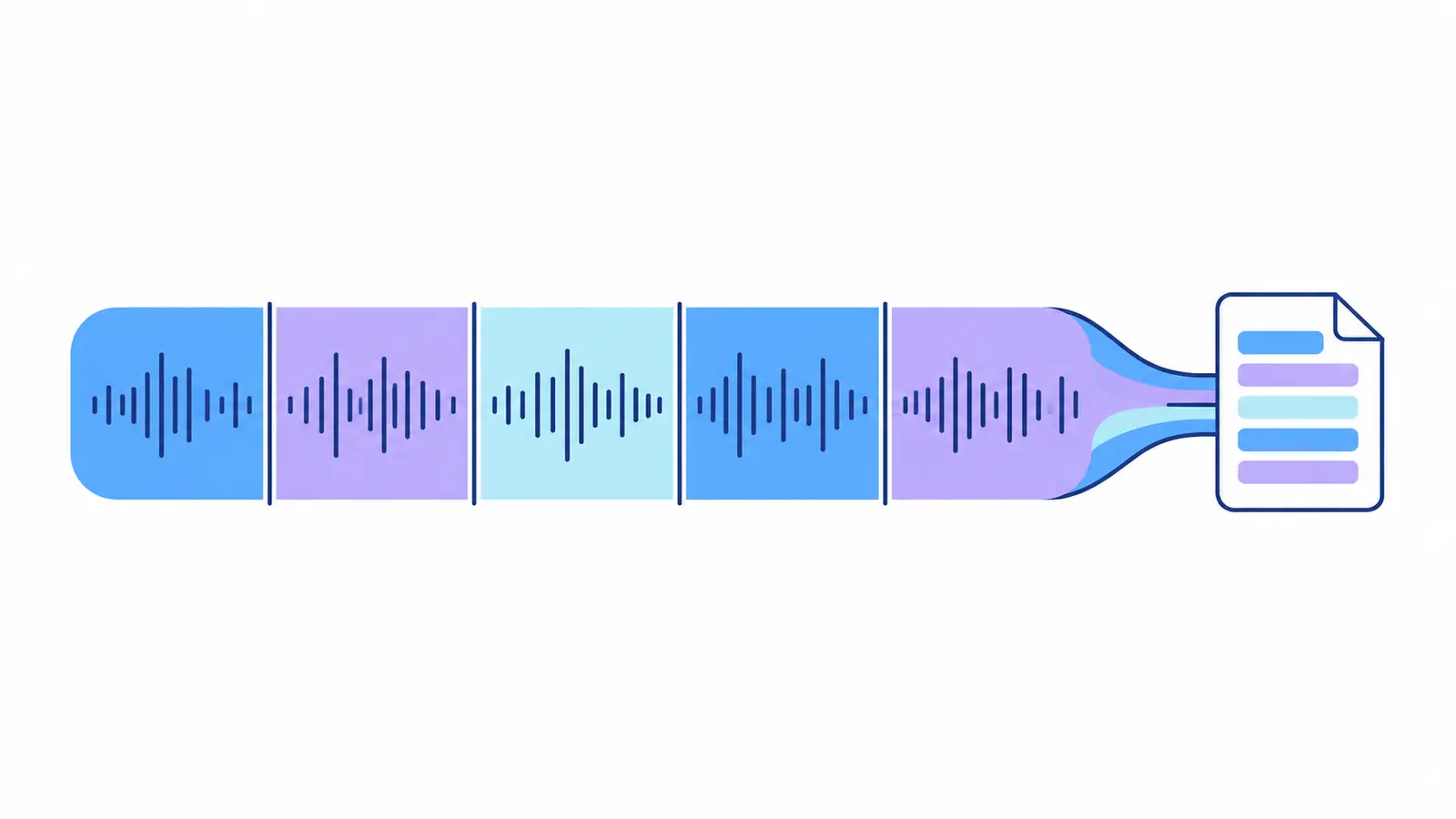
Before Upload: Define the Goal
The same recording requires different levels of processing. For a webinar overview, a summary is enough; for meeting minutes, decisions and context are needed; for an article, arguments, examples, and quotes are essential. Define the outcome before you start: this sets the criteria for review.
Check the file size and playback. Before uploading, verify the current size limit in the service interface.
Get a Recording Map
After processing, don't start with a full read-through. First, read the topic, overview, and key points if these sections are available. List the sections relevant to your task, and only then move on to the text.
This way, you separate the useful parts from the introduction, pauses, and discussions that won't be included in the result.
- OverviewUnderstand the topics and general flow of the recording.
- Select SegmentsFind what's needed for your task.
- ReviewCheck important parts along with the context.
- SummaryCompile a separate working document.
Work with Segments, Keep the Context
Timestamps allow you to check selected parts, but a single segment shouldn't be taken out of context. Listen to adjacent remarks, especially when it comes to agreements, deadlines, or objections.
If there are multiple topics, create working titles and organize segments under them. Don't change the sequence where cause-and-effect relationships are important.
- Introduction and purpose.
- Key topics.
- Decisions or conclusions.
- Unanswered questions.
- Segments for separate review.
Assemble the Final Document
Keep the full transcript as a source, and format the result separately. For a meeting, it's a protocol; for training, a summary; for content, an editorial structure. Reduce repetitions, but maintain conditions and reservations.
In the header of the final document, include the recording date, its title, and the name of the responsible editor.
Organize the Archive
Name the file according to a unified rule: date, project, recording type, and version. Link the final result with the source and transcript. If the material contains personal data, restrict access and delete copies according to internal rules and current service conditions.
One Recording — Three Linked Files
Example names for a meeting recording for project "A".
- sourceOriginal Recording
2026-09-01_project-a_meeting_source_v01.mp3Audio to return to for verification.
- transcriptFull Transcript
2026-09-01_project-a_meeting_transcript_v01.txtText with timestamps and link to the original.
- finalVerified Final
2026-09-01_project-a_meeting_final_v01.txtA separate document prepared by the editor.
Practical Checklist
- Define the final result.
- Check the size and integrity of the file.
- Start with a topic map, not a full read-through.
- Listen to the context around important timestamps.
- Keep the source, transcript, and final as linked versions.
How to Complete the Task in Transkribator
Open Transkribator, upload your ready audio or video, or use a supported public link available for processing.
After processing, review the full text, timestamps, and available AI summary, check critical segments, and download the TXT. The feature set depends on the plan. For an initial assessment, 10 free minutes are available after registration.
Main Points
- A long recording requires a map and a goal.
- Timestamps save time but don't replace context.
- The final document is separate from the full transcript.
- A clear archive prevents redundant work.
Frequently Asked Questions
Should I split a long file?
Only if it simplifies uploading or editing. Split at logical boundaries without breaking sentences.
Where should I start reading?
Start with the overview and theses if available, then move to the necessary sections of the full text.
How not to lose context?
Listen to a few lines before and after an important marker and keep a link to the source.
How to name files?
Use a consistent template with the date, project, type of recording, and version.