What Exactly is Called Transcription
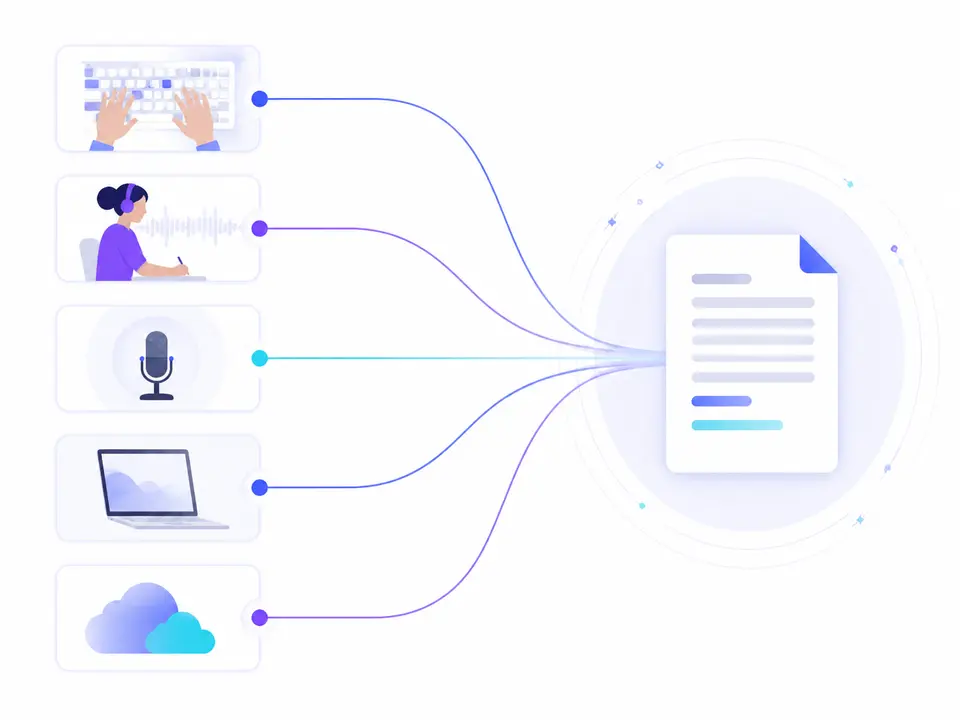
In a narrow sense, transcription is the written recording of what was spoken. The source can be a voice recording, podcast, video clip, interview, or a recorded meeting. Unlike voice input, this process deals with an existing file: there's no need for a person to repeat its content into a microphone.
A full transcript preserves the flow of conversation and helps find the exact wording. After that, the text can be cleaned of filler words, key points can be compiled, or a brief summary can be prepared. These are different stages: a condensed summary is convenient for an overview but doesn't replace the original source where accuracy is crucial.
- Source: audio, video, or a supported public link.
- Result: recognized speech in text form.
- Additional layers: timestamps, overview, theses, and summaries, if available.
How a recording becomes a working text
- RecordingAudio, video, or accessible link.
- RecognitionThe system identifies the spoken words.
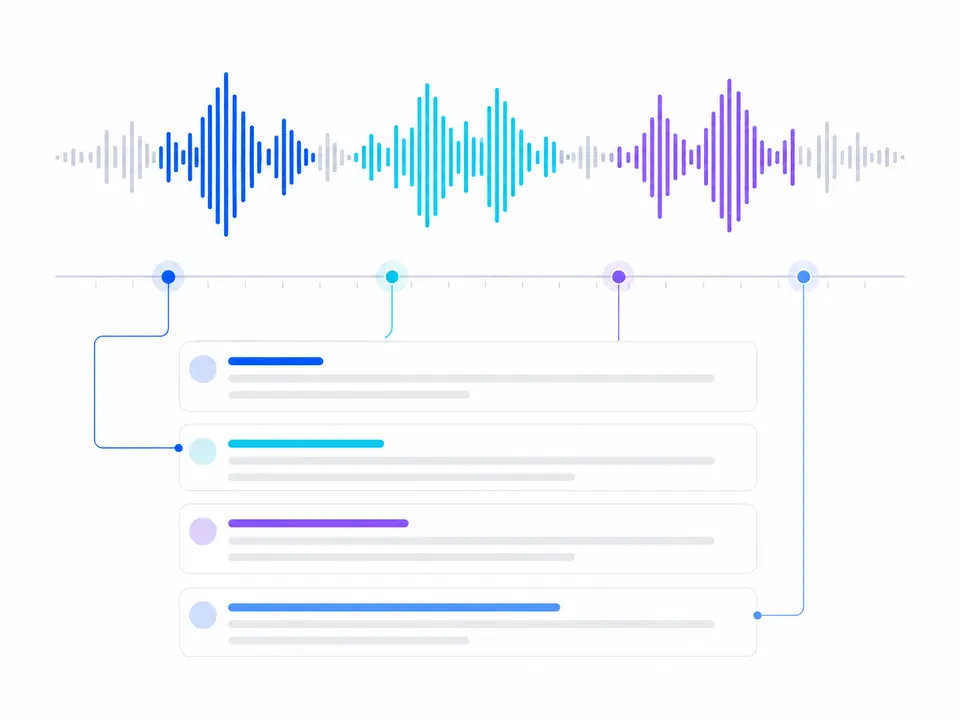
- TranscriptText is linked with timestamps.
- Text ProcessingReview, search, and further editing.
How a transcript differs from subtitles and summaries
Subtitles are designed for synchronous display over video and usually require a special file like SRT or VTT. A transcript can be read separately from the video; timestamps simply help return to the desired moment. Therefore, regular text with timestamps cannot automatically be considered ready-made subtitles.
A summary answers a different question: not "what was said," but "what's the essence." It condenses the material and inevitably omits details. For fact-checking, quotes, and clarifications, a full text is needed, while for a quick overview, a brief summary or theses suffice.
| Criterion | Transcript | Subtitles | Summary |
|---|---|---|---|
| Main Question | What was said? | What to show at this moment? | What's the main point? |
| Volume | Full or nearly full text | Short synchronous lines | Condensed extract |
| Time Relation | Timestamps aid verification | Precise synchronization is essential | Usually not required |
| Purpose | Search, quotes, and detail work | Watching video without sound | Quick material overview |
Where Transcription is Useful
For journalists, transcripts help find quotes; for students, they aid in compiling notes; for teams, they record decisions; and for podcast creators, they turn episodes into articles. The main benefit is that you no longer have to extract information by listening linearly from start to finish.
Text also makes content accessible in situations where sound can't be played. It's easier to archive, share with colleagues, and use as a source for notes. However, publishing raw transcripts is rarely helpful to readers: spoken language almost always needs to be structured and edited.
How Automatic Transcription Works
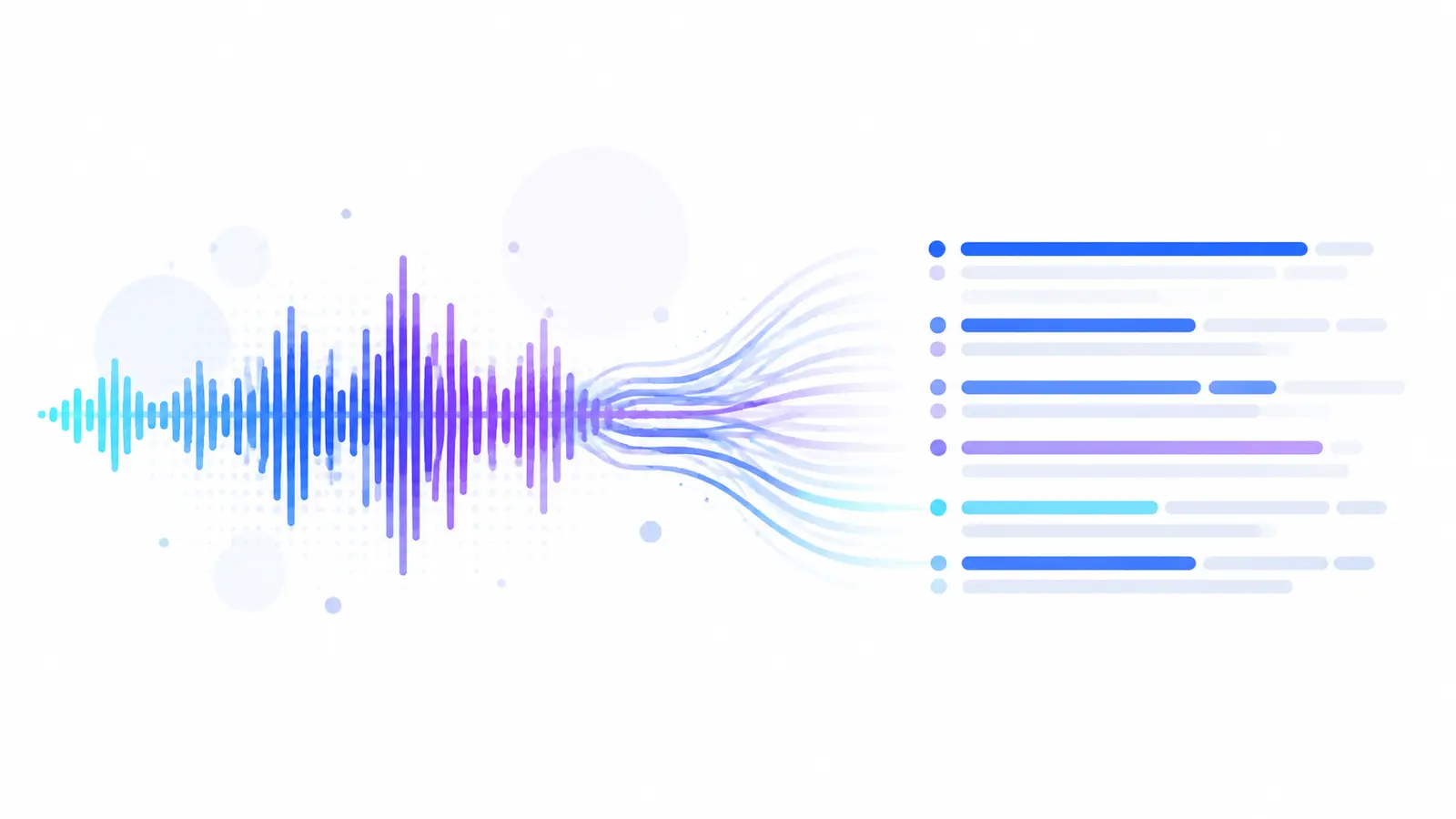
The user uploads a recording or provides a supported public link. The system extracts the audio track, recognizes speech, and generates text. You can then review the result, check disputed parts using timestamps, and download the text in TXT format. For lengthy material, it's useful to first read the summary and key points before moving on to the full transcript.
Quality depends not only on the algorithm. Noise, echo, quiet voices, overlapping speech, and rare terms increase the number of errors. Names, dates, numbers, negations, and verbatim quotes need to be checked particularly carefully.
Practical Checklist
Before starting, determine the result you need and which parts will require special attention.
Before Uploading and Publishing
- Ensure the speech is audible without excessive noise and echo.
- Choose a full transcript if details and quotes are important.
- Use timestamps to verify disputed sections.
- Cross-check names, numbers, terms, and negations.
- Download the TXT and edit a copy without altering the original speech's meaning.
How to Complete a Task in Transkribator
Open Transkribator, upload your audio or video, or use a verified supported public link. After processing, review the full text, timestamps, and available AI summary, check critical sections, and download the TXT. A test volume of up to 10 minutes is available for initial evaluation.
- Add a SourceSelect a file or paste a link to a supported accessible video.
- Wait for ProcessingThe service will extract speech and prepare a text result.
- Check Important PartsUse timestamps for names, numbers, terms, and quotes.
- Download the TextSave the TXT and continue working in your usual tool.
Key Points
- Transcription turns speech into searchable text.
- Transcripts, subtitles, and summaries serve different purposes.
- Automatic transcription saves manual work but requires verification.
- Timestamps maintain the connection between text and the original source.
Frequently Asked Questions
Are transcription and decoding the same thing?
In the context of converting speech to text, these terms are often used interchangeably. In certain professional fields, terminology can be more precise, so it's important to consider the expected outcome.
Can text be extracted from a video?
Yes, if the video has an accessible audio track with speech. The service recognizes sound, not captions, diagrams, or slides in the frame.
Is the automatic text ready for publication?
It's usually a quality foundation but not the final edit. Before publishing, check facts, names, numbers, and quotes, then remove unnecessary repetitions.
Are timestamps necessary?
They are especially useful in long recordings: they allow you to quickly return to a disputed phrase, example, or needed quote.