Method 1. Type the Text Manually
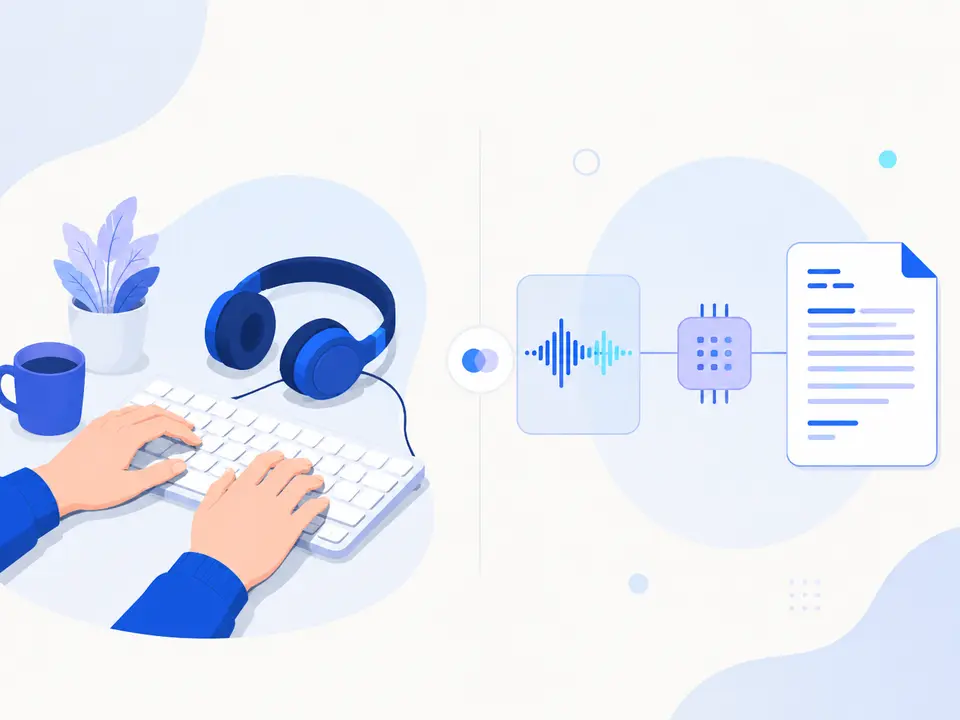
Manual transcription gives full control over wording but requires constantly stopping and rewinding the recording. This method is justified for short fragments, complex terminology, or material that cannot be shared with an external service.
The main hidden cost is not the typing itself, but switching between listening, typing, and checking. For a long interview or lecture, this process quickly becomes exhausting.
Method 2. Hand Over the Recording to a Transcriber
A professional transcriber is invaluable when you need literary editing, dialogue markup, or handling complex audio. Before starting, it's important to agree on the level of verbatim transcription, rules for marking unclear sections, and confidentiality requirements.
Humans can make mistakes too, so critical quotes, names, and numbers are still verified against the recording. This method shifts the workload rather than eliminating the need for quality control.
Balancing speed and control
- Automatic draft The system performs mechanical typing.
- Timecode verification Humans check names, numbers, and terms.
- Final editing The text is formatted as needed.
Method 3: Use voice input
Voice input recognizes speech as it happens. It's convenient for dictating your thoughts but not designed for directly uploading a finished file. Trying to play a recording near the microphone degrades the sound and adds an unnecessary step.
If the source is already recorded, it's more logical to choose a tool that accepts the file itself. Voice input is best left for notes that a person is willing to dictate again.
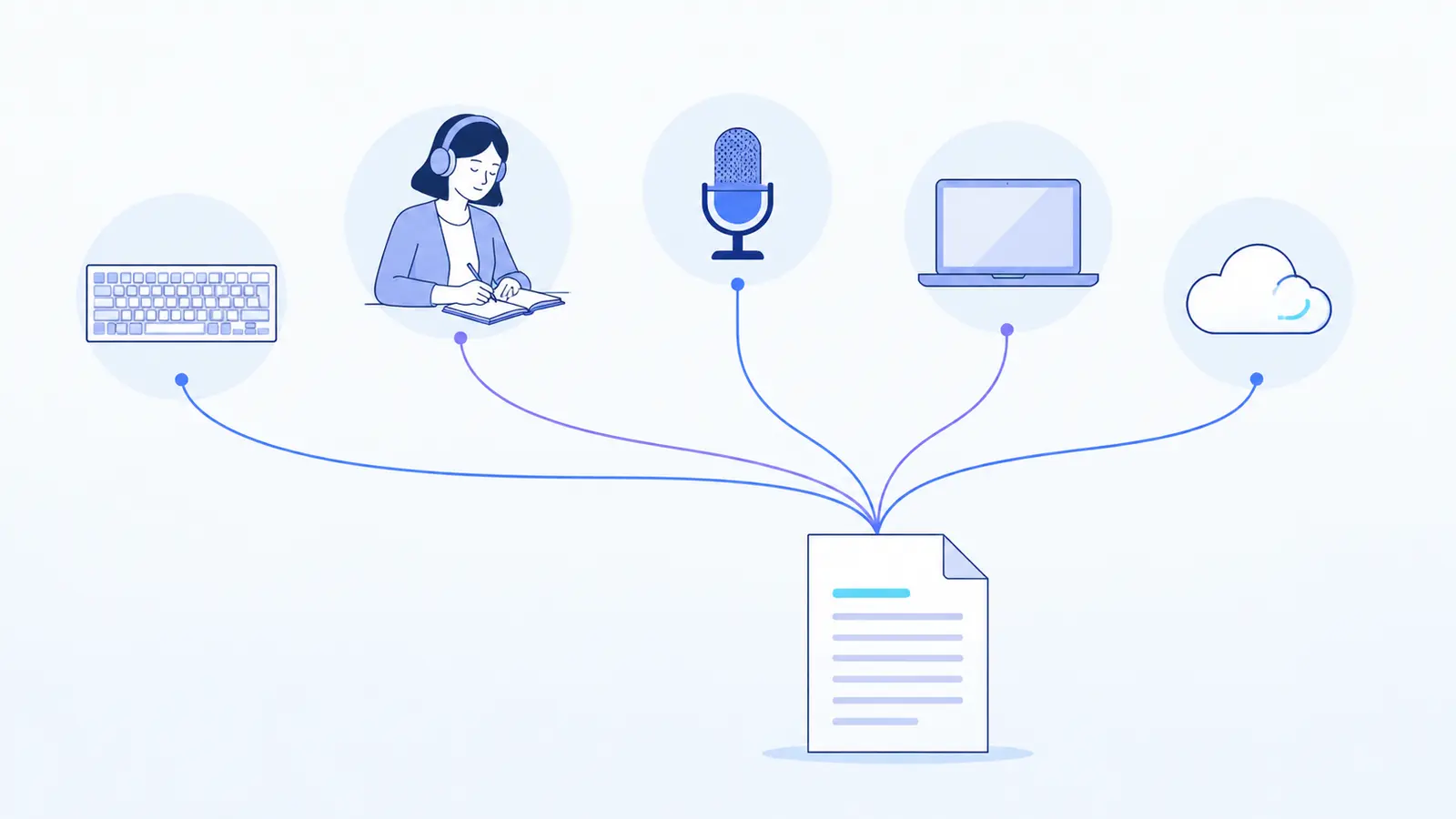
Methods 4 and 5: Local program or online service
A local solution processes data on your device but requires installation, setup, and sufficient computer power. An online service removes this technical part: the file is uploaded through a browser, and the result is available in your personal account.
A practical scenario is to get an automatic text, go through timecodes to questionable areas, and download a TXT file. Before paying, it's useful to test the service with a representative sample: with the same noise, voices, and terms that will be in the main recordings.
- upload the audio file;
- check the selected language and source;
- wait for the text and open timecodes;
- verify critical segments;
- download the TXT for further work.
| Method | Finished file | Manual work | Setup | Data control |
|---|---|---|---|---|
| Manual Typing | Yes | Maximum | Not needed | File stays with you |
| Transcriber | Yes | Result verification | Search and brief | Transfer to executor |
| Voice Input | Indirectly only | Need to re-speak | Minimal | Depends on the tool |
| Local Program | Yes | Result verification | Installation and resources | Processing on device |
| Online Service | Yes | Result verification | Not needed | Check service policy |
On a smartphone, the table scrolls horizontally. For sensitive materials, always check the current data processing conditions separately.
How to Choose the Right Method
For a personal short note, manual typing or voice input will do. For a series of regular interviews and lectures, an automatic draft is usually more efficient. Legal, medical, and other high-risk materials require professional verification regardless of the recognition method.
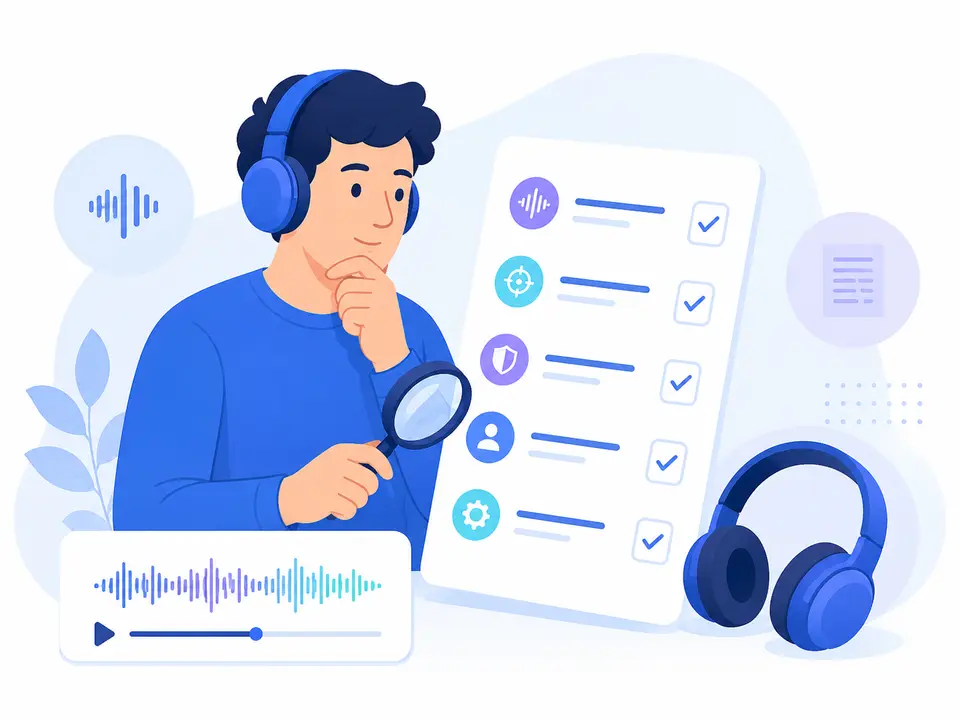
Compare your own results rather than advertised percentages: how much time was spent on verification, were the terms recognized correctly, and is it easy to return to the source?
Practical Checklist
Before Choosing a Method
- Decide if you need a verbatim text or a readable summary.
- Check the confidential data processing rules.
- Use a typical fragment, not an ideal demo recording.
- Evaluate the convenience of verification using timestamps.
- Clarify the available format for downloading the result.
How to Complete the Task in Transkribator
On the “Audio to Text” page, upload the prepared recording and wait for the result. First, assess the overall meaning, then check names, numbers, and terms using timestamps. The confirmed export path is to download the TXT and continue editing in your usual tool.
-
Upload the Recording Use a prepared audio file with clear speech.
-
Receive the Draft Open the text and mark sections for verification.
-
Verify Important Details Return to timestamps for names, numbers, and quotes.
-
Download the result Export as TXT and finish editing.
Key Points
- Voice input and processing a finished file are different scenarios.
- Automation eliminates manual typing but not the responsibility for verification.
- The method should be tested on your typical audio.
- For high-risk materials, expert proofreading is essential.
Frequently Asked Questions
Can I transcribe finished audio using voice input?
Technically, you can play it near a microphone, but the quality is usually worse. For a finished file, it's better to use file upload.
Which method is the most accurate?
There is no single winner: the result depends on the audio, speech, terms, and requirements. Critical text should be checked by a human.
What should I choose for a long interview?
Usually, an automatic draft with timestamps followed by editorial proofreading is convenient.
Can I work without installing a program?
Yes, the online service works in a browser. Before uploading confidential recordings, review the current data processing rules.