Criteria 1–4: Source, Format, Language, and Size
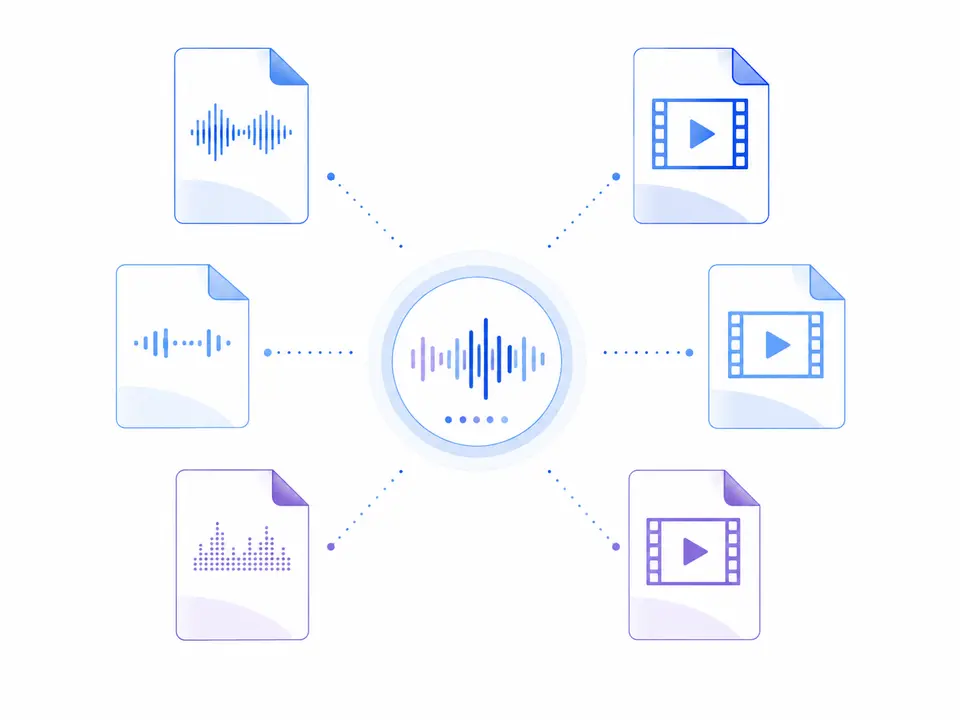
First, check basic compatibility. Some services only work with local files, while others accept supported public links. The container format, codec, and size can affect upload, and the language of speech impacts recognition quality.
The phrase "supports everything" doesn't replace a specific list. Use a file of the same type and duration that you'll be working with regularly. To start, it's helpful to separately check the pages on audio processing and video-to-text conversion.
- 01Source Type
File from a device, public link, or both options — specifically for your scenario.
- 02Confirmed Formats
Check not just the promise of "any format," but the specific container and actual file.
- 03Language of Speech
Test the primary language, accent, names, and professional terms in your recording.
- 04Actual Limit
Compare the allowable size and duration with your longest typical recording.
Criteria 5–8: Text, Timestamps, Analysis, and Export
A complete transcript is needed for facts and quotes, timestamps for returning to the source, and a brief overview and theses for quick navigation. Clarify which of these outcomes are included in your scenario and if they appear for each recording.
Check the export separately. If the service provides TXT, don't assume you'll get SRT, VTT, DOCX, or PDF without confirmation. Convenience is determined by whether you can continue working in your usual tool. The difference is especially noticeable when manual verification of the transcription is required after automatic processing. manual verification of transcription.
- 05Full Text
Ensure you can read and retrieve the entire transcript, not just a summary.
- 06Timestamps
Find a disputed word and check how quickly the marker returns to the source.
- 07Analytical Materials
Summaries, theses, and abstracts should aid navigation, not replace the source.
- 08Export
Download the result and open it where you continue your actual work.
| Criterion | What to Check | How to Check on Your File |
|---|---|---|
| 01. Source | File, public link, source accessibility | Upload the type of source you use regularly |
| 02. Format | Container, codec, audio track | Use a file from your actual workflow without conversion |
| 03. Language | Main language, accent, names, terms | Select a minute with characteristic speech and vocabulary |
| 04. Size | Volume and duration limit | Check against the longest typical recording |
| 05. Text | Access to full transcript and editing | Verify the beginning, middle, and end of the result |
| 06. Timestamps | Accuracy of returning to the original segment | Find a disputed word and jump to it by time |
| 07. Analysis | Summary, theses, synopsis, and rate | Compare conclusions with the full text of the recording |
| 08. Export | Available formats and structure preservation | Download the file and open it in your work tool |
| 09. Test | Your file, sufficient duration, start conditions | Check a complex but representative fragment |
| 10. Price | Unit of calculation, minute package, extra charge | Calculate the cost for a monthly volume of recordings |
| 11. History | Storage, search, download, and deletion | Find the test result and delete it yourself |
| 12. Data | Policy, legal documents, user control | Check the rules before uploading a confidential recording |
Criteria 9–12: Test, Price, History, and Data
A trial mode is only useful if it allows you to upload your own complex fragment. Check if you need to pay upfront, how volume is calculated, whether results are saved in history, and if users can delete them.
For work-related and confidential recordings, review the current personal data processing policy. Don't rely on vague terms like "absolute security": look for specific rules and clear user actions.
- 09Representative Test
Try a fragment with typical background noise, names, and terms instead of perfect audio.
- 10Transparent Calculation
Understand what volume is charged and how much your actual monthly scenario costs.
- 11History and Deletion
Check how to find, download, and delete a recording along with its processing results.
- 12Data Management
Find current legal documents and specific user control rules.
How to Conduct a Control Test
Upload a segment with real background, terms, and a few important names. Check not only the first lines but also the middle. Find a disputed word, go back to it using the timestamp, download the result, and open the file.
Assess how much manual work remains before your final document. This, rather than abstract accuracy, shows the real value of the service.
Practical Checklist
Don't compare services just by their feature list in an ad. A single typical file can provide more useful insights if you go through the entire workflow with it.
Before Choosing
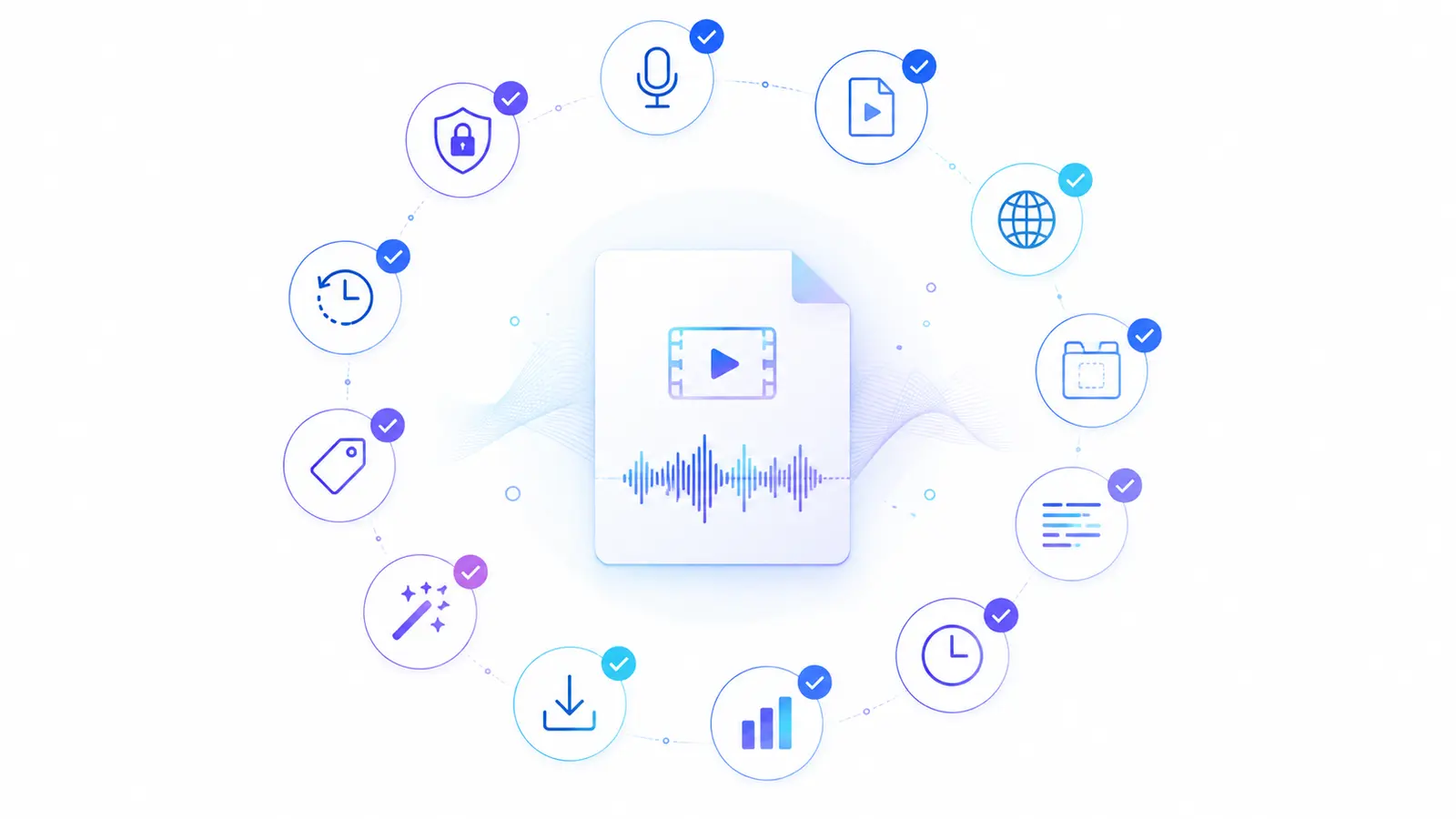
- Go through 12 criteria with one typical file.
- Check the entire process up to export.
- Don't equate timestamps with ready subtitles.
- Compare the cost based on your workload.
- Review the data processing and deletion policies.
How to Complete a Task in Transkribator
Open Transkribator, upload your audio or video file, or use a verified supported public link. After processing, review the full text, timestamps, and available AI summary, check critical sections, and download the TXT. The set of AI features depends on the plan, and for an initial assessment, 10 minutes are available after registration.
- Choose a typical sourceUpload a regular work file or a supported public link.
- Review the resultCheck the full text, timestamps, and available analysis materials.
- Verify critical partsRefer back to names, numbers, and terms using the timestamps.
- Download TXTOpen the result in your usual editor and assess the remaining manual work.
Key Points
- Choose a service based on your source and final document.
- The test should include challenging parts, not a perfect recording.
- Export and timestamps are more important than a list of advertised features.
- Data handling conditions are a mandatory criterion.
Frequently Asked Questions
How to check the service's accuracy?
Select a typically challenging segment and manually mark errors in important entities, rather than just the overall impression.
Are timestamps necessary?
For long recordings, they significantly simplify verification. For a short voice note, they might be insignificant.
Why check the export in advance?
To avoid discovering after processing that the required format is unavailable and the workflow needs to be restructured.
Can you trust summaries without a transcript?
For a quick overview — yes, for facts and commitments — only after cross-checking with the full text and recording.