Divide the Review into Two Passes
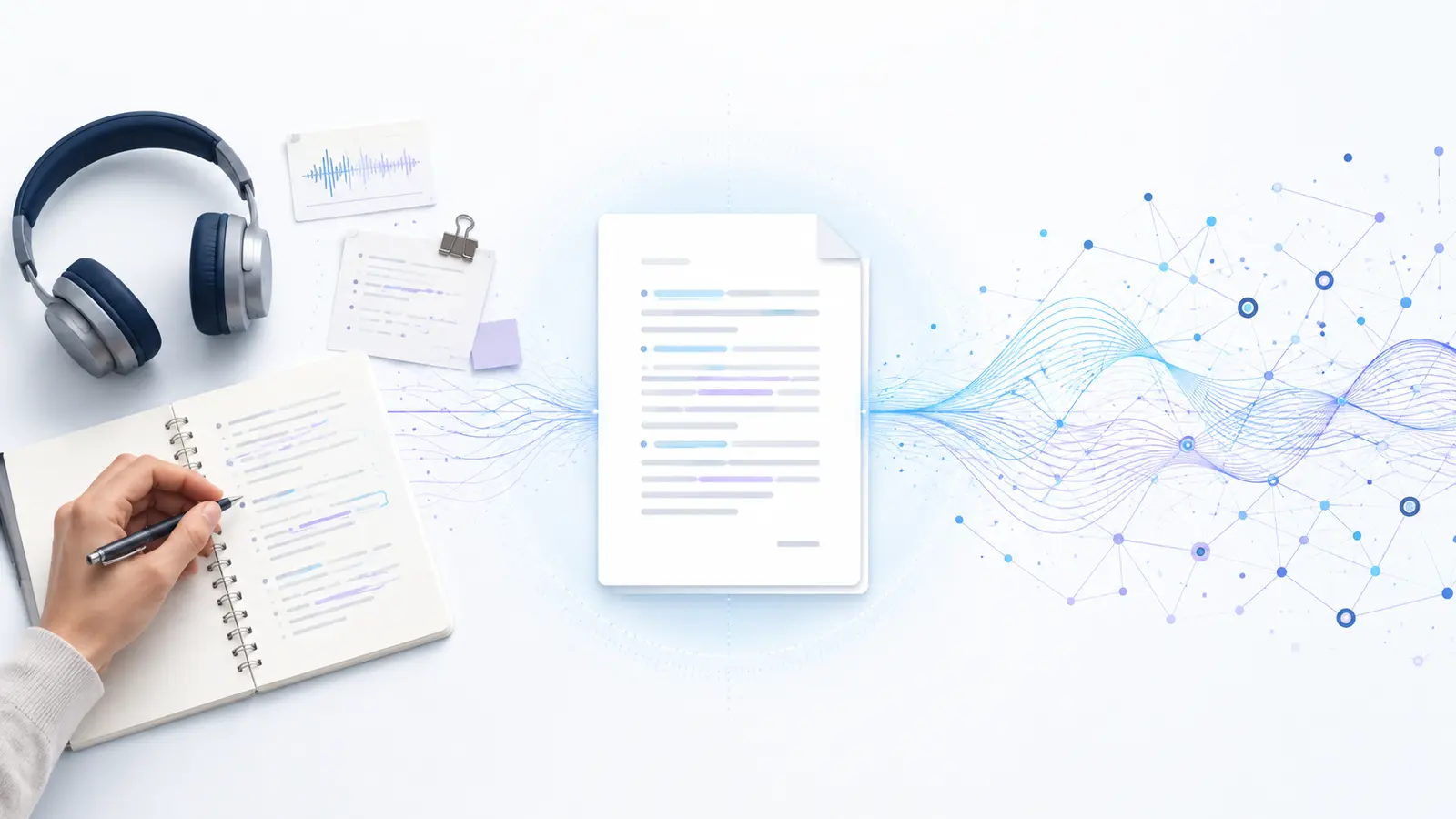
The first pass ensures accuracy: does the text match what was said? The second focuses on readability: can repetitions be removed, paragraphs added, and conversational structures shortened? Mixing tasks can lead the editor to improve the style of a phrase that was incorrectly recognized.
Keep the original automatic text or a separate copy. This allows you to return to disputed sections and see what changes were made.
Check the meaning, entities, and critical phrases against the recording.
Enhance readability only after accuracy is confirmed.
What to Check First
Start with entities where a single letter or particle changes the fact. Searching the text helps gather names, numbers, currencies, dates, and titles. Then verify quotes that will go into publication, agreements, or reports.
A phrase that doesn't fit the context is a signal to open the recording, not to guess a prettier version.
- Names, Positions, and Brands — verify spelling from the original source or an official directory.
- Numbers, Dates, and Units — one incorrect digit can change a decision or calculation.
- Negations and Prepositions — "not," "without," and "until" often carry the main meaning of the phrase.
- Professional Terms — a plausible word might be incorrect.
- Quotes, Promises, and Decisions — check verbatim and with context.
If similar errors appear throughout the text, it's useful to first understand what affected speech recognition accuracy, then check repeating sections using search.

How to Use Timestamps
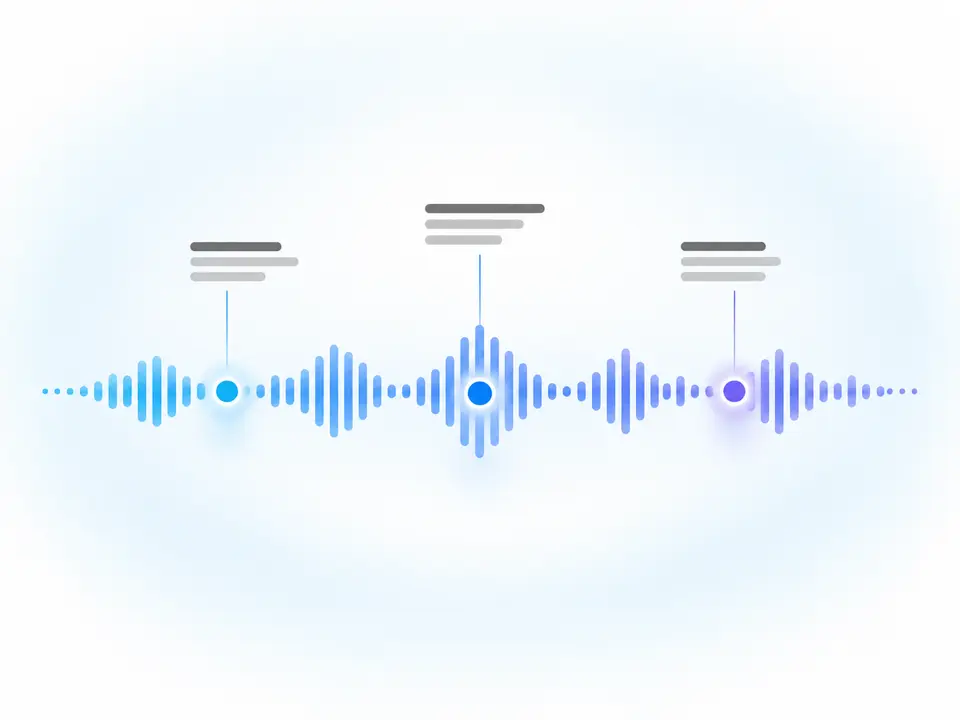
A timestamp links a line of text to a moment in the recording. Instead of listening to ten minutes, open the needed section, capturing a few seconds before and after: context often resolves ambiguity.
If an error repeats, find all similar words in the text. A misrecognized surname usually appears several times. More about the logic of timestamps is in the article on why transcription needs timestamps.
"We are not moving the meeting to Friday" — the particle "not" and the day of the week are especially important.
Listen to the question and the continuation of the answer to avoid guessing individual words.
Literal and Literary Editing
The literal version retains repetitions, pauses, and self-corrections if they are important for analysis. The literary text removes the unnecessary and restructures the syntax for reading. The choice depends on the document's purpose.
You cannot "improve" a direct quote to give the speaker a thought they didn't have. For publication, acceptable editorial changes are agreed upon with editorial rules and, if necessary, with the interlocutor.
"We then, probably, on Tuesday will send the client, it turns out, two options."
"Probably, on Tuesday we will send the client two options."
When both speed and accuracy are important, a hybrid transcription process helps: an automatic draft plus manual review of critical fragments.
Final Check Before Use
Read the text without audio: are references like "this," "there," "they" clear, is the context preserved? Then, specifically return to the most important conclusions. For legal, medical, and financial materials, involve a subject matter expert.
Practical Checklist
Go through the list in order and don't move on to style until the semantic risks are addressed.
Before Using the Text
- Conduct a separate factual review.
- Gather critical entities through search.
- Open the context around the timecode.
- Do not attribute new thoughts to the speaker.
- Keep the verified version separate from the draft.
How to Complete the Task in Transkribator
Open Transkribator, upload the ready audio or video, or use a confirmed supported public link. After processing, review the full text, timecodes, and available AI summary, check critical fragments, and download the TXT. A test volume of up to 10 minutes is available for initial evaluation.
- Upload your recordingUse audio, video, or a supported public link.
- Get the full textTimestamps keep each part connected to the recording moment.
- Check critical partsVerify names, numbers, negations, terms, and quotes.
- Download TXTWork with a copy in your usual text editor.
Key Points
- Fact-checking comes before style.
- Timestamps reduce the need for re-listening.
- A plausible error is more dangerous than an obvious typo.
- The depth of checking depends on the text's purpose.
Frequently Asked Questions
Can I edit the text directly in the service?
It's best not to promise an integrated editor without verifying the feature. The confirmed method is to copy or download the TXT and work in a text editor.
Do I need to listen to the entire recording again?
It depends on the cost of an error. Timestamps allow you to first check critical and questionable parts. For materials with a high error cost, a more thorough review is needed.
How to handle filler words?
Remove them after fact-checking and ensure the tone, logic, and meaning of the quote remain unchanged. Don't turn a guess into a promise.
Who should verify complex terms?
Someone familiar with the subject area; the appearance of a plausible word doesn't guarantee accuracy. Use an approved term dictionary if necessary.